Design on the real renderer
Drag components from a palette onto a canvas that is the json-render renderer itself. Every property is a typed control generated from the component’s schema.
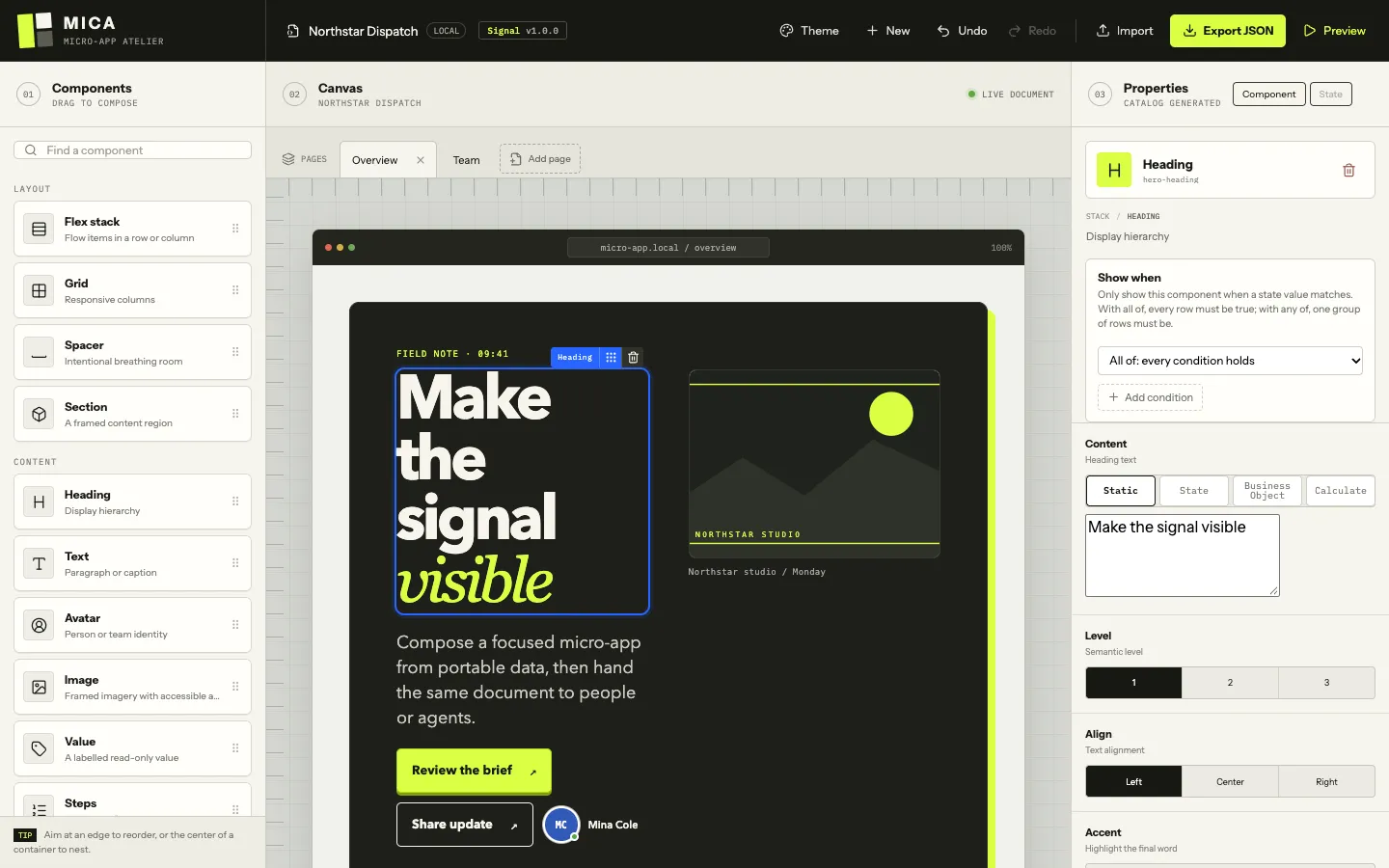
Design on the real renderer
Drag components from a palette onto a canvas that is the json-render renderer itself. Every property is a typed control generated from the component’s schema.
Make pages interactive
Buttons set state and move between pages, text reads state, inputs write
it, and any component can show or hide on a condition — or a typed
$expr formula for a total, or a Next that waits until the form is filled.
Work with host business objects
Declare the record a micro-app expects — a customer, a ticket, a purchase request — and fetch, create, update and delete it through the host, with declared field rules checked before the host is asked.
Embed it anywhere React runs
mica/runtime renders a document with no editor code. The host keeps its
own routing, state, authentication and services.
This is a Mica document running live in the page through mica/runtime — the
micro-app you build in the first tutorial. Type a name
and press Count me in.
This one creates a record through its host — here an in-page stand-in for a helpdesk. Press Submit ticket with the form empty, then with every field filled in but a description under 20 characters: the first is refused by the document’s own field rules, the second by the host.
Every example on this site is a real document stored in the repository under
examples/documents/, rendered live in the page through mica/runtime. A test
imports each one through Mica’s own importer, so the documentation cannot show a
document the code would refuse.